×
- Hello
- Login or Register
- Quick Links
- Live Chat
- Track Order
- Parts Availability
- RMA
- Help Center
- Contact Us
- Shop for
- Mitsubishi Parts

My Garage
My Account
Cart
Steering Column
2006 Mitsubishi Lancer Steering Angle Sensor, Steering Column, Steering Shaft
Currently shopping for
2006 Mitsubishi Lancer
Change VehicleCategories Close X
Currently selected
Steering
Other Categories
A/C & Heating
Air & Fuel Delivery
Belts & Cooling
Body & Hardware
Brakes
Charging & Starting
Driveline & Axles
Electrical
Emission Control & Exhaust
Engine
Headlights & Lighting
Interior & Exterior Trim
Maintenance & Lubrication
Suspension
Transmission
Categories Close X
How to use OE catalog
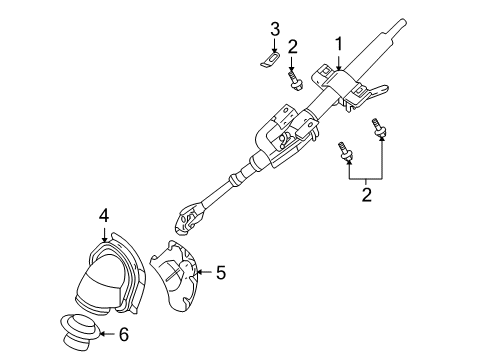
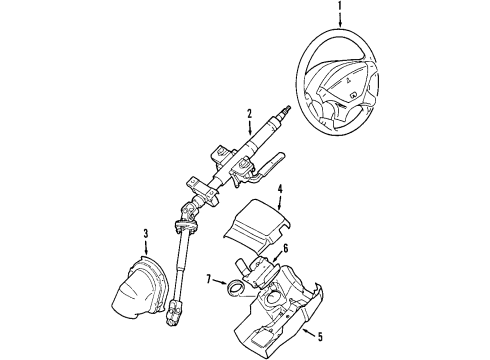
Diagram (1 of 1): Steering Column - Steering Column
Sort by:
Ref No.
Ref No.
Part No. & Part Description
Price & Qty.
Part No. &
Part Description
Part Description
- 2
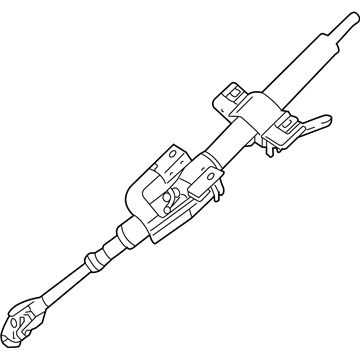 $483.58 $342.381
- 4
 $31.93 $24.521
- 5
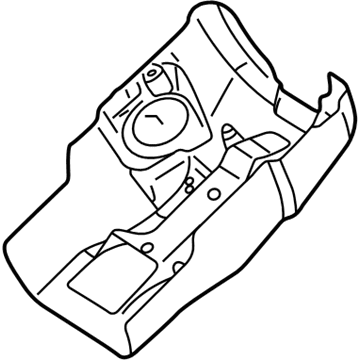 $44.74 $34.091
- 7

OEM 2006 Mitsubishi Lancer Parts for Steering Column
The OEM parts are quite popular due to their reliable quality. The Steering Column parts are made by Mitsubishi and made as per the factory specifications and tested at the production phase. We have all the replacement OEM 2006 Mitsubishi Lancer parts you need. Our authentic OEM 2006 Mitsubishi Lancer Steering Angle Sensor, Steering Column, Steering Shaft components are reasonably priced with the manufacturer's warranty. Our delivery is very fast that will generate a smooth shopping experience and we have an easy to use return policy if there are any issues. Don't wait, shop with us today to get the quality parts you need!
Steering Column Installation and Repair Tips for 2006 Mitsubishi Lancer
- Q:How to remove and install the steering column on 2006 Mitsubishi Lancer?A:Straighten set wheels, disconnect key, disconnect negative battery; allow 1-1 minute airbag models. Disassemble steering wheel (and clock spring (fitted)) wiring and lower dash. Mark shaft alignment, take off pinch bolt and column bolts, withdraw column. Installation Reverse to reinstall, locate marks, tighten bolts, reconnect wiring, re-install dash, clock spring and wheel.